
1. Select Upgrade in Server Subscription
Log in to the client dashboard, open the Subscription tab on your server, and click Upgrade.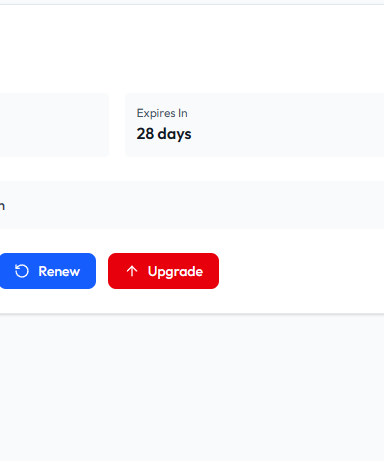
Upgrade Server
2. Select New Plan
Choose the plan tier that fits your resource needs (RAM, CPU, and storage).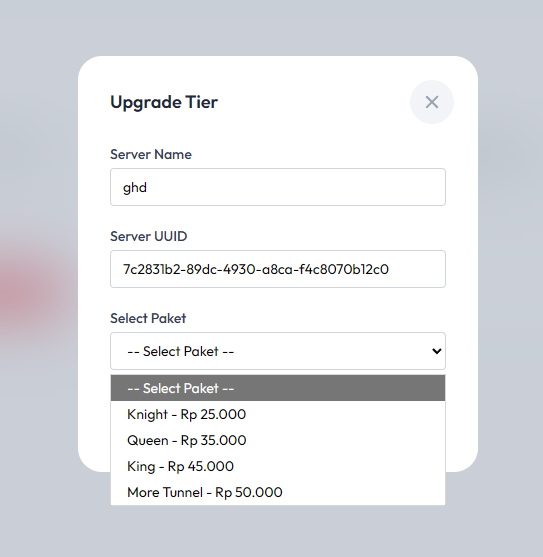
Select Plan