
1. Select Change Egg in Server Subscription
Log in to the client dashboard, open the Subscription tab for your server, and click Change Egg.
Change Egg Option
2. Choose New Environment
Select the environment (egg) you wish to use according to your application or game server requirements (e.g. Node.js, Python, Go, Java, or Minecraft).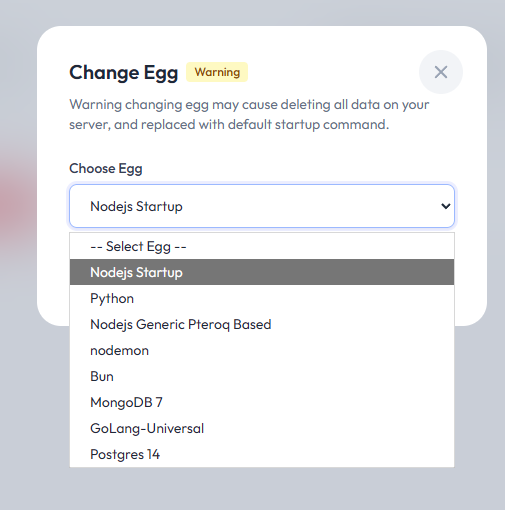
Select Environment
⚠️ Warning
Changing your Startup / Environment will:Always ensure you have downloaded all important files before proceeding.
- Wipe all existing server data
- Reset server files and configurations to the default template of the new egg
- Previous files cannot be recovered automatically