> ## Documentation Index
> Fetch the complete documentation index at: https://sensei.aisbirnusantara.com/llms.txt
> Use this file to discover all available pages before exploring further.
# How to Upgrade Server Plan
> Guide to upgrading your Pterodactyl server resources through the subscription dashboard
***
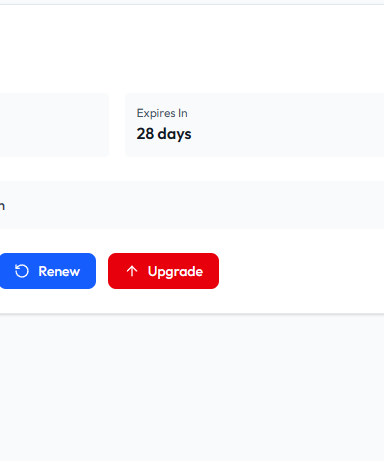
### 1. Select Upgrade in Server Subscription
Log in to the client dashboard, open the **Subscription** tab on your server, and click **Upgrade**.
***
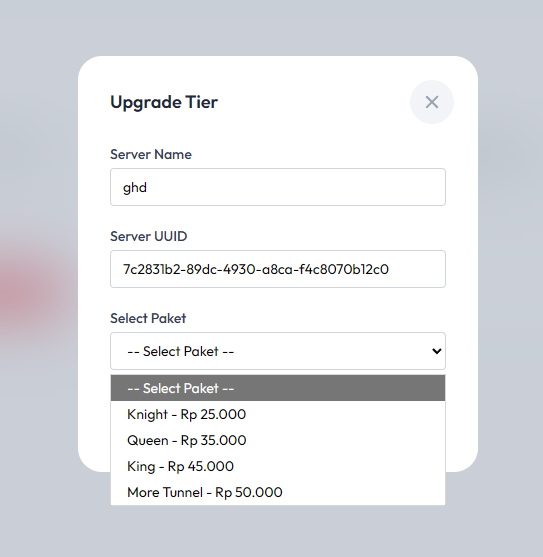
### 2. Select New Plan
Choose the plan tier that fits your resource needs (RAM, CPU, and storage).
***
### 3. Complete Payment
Complete the checkout for the selected plan and duration. Once processed, the server resources will be upgraded automatically without losing your data.